


Hive Terminal
SSH on the iPhone with a Secure Enclave key
- iPhone
Platforms and download
Requirements
- iPhone with iOS 17 or later
- An SSH server that accepts your public key in ~/.ssh/authorized_keys
- tmux on the server if you want sessions to survive
What Hive Terminal does
The key stays on the iPhone
Hive Terminal creates its SSH key in the iPhone's Secure Enclave. The private half cannot be copied or exported, and every connection asks for Face ID or your passcode. You add the public key to ~/.ssh/authorized_keys on your server, and that is the whole setup.
Host keys are checked
The first connection shows the server's fingerprint and remembers it. If the key ever changes, Hive Terminal refuses to connect.
Sessions survive
Give a host a tmux session name and Hive Terminal attaches to it or starts it. When iOS closes the connection in the background, coming back reconnects you to the same session.
Selecting text like on a Mac
Press and hold a word and drag. In full screen programs such as tmux, less or AI coding assistants the view keeps scrolling when you reach the edge, and Copy gives you clean paragraphs instead of screen width lines.
A full terminal
Colors, mouse support and an extra keys row with Esc, Ctrl, Tab and the arrows. Text copied in tmux or vim lands on the iPhone clipboard.
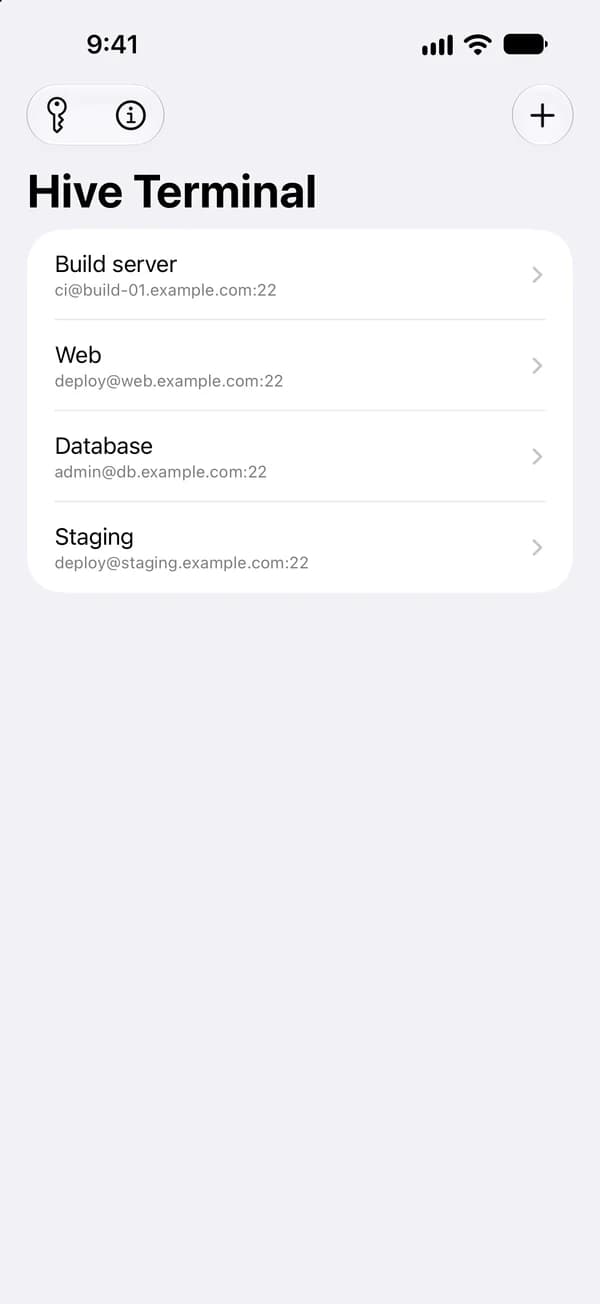
Screenshots
Privacy and security
Hive Terminal collects no data: no account, no tracking, nothing is sent to us.
It signs in with its own key only. Passwords and imported keys are not supported.
Questions about Hive Terminal? Write to us