


Hive OTP
Two-factor codes on Mac, iPhone and Windows
- iPhone
- Mac
- Windows
Platforms and download
Version 1.1.1, released 27 October 2026
SHA-256 checksum:56307e6f2c397976b77a431ad08dbff49d9b01dc3fc0db178a88bebf7d60960e
Requirements
- iPhone with iOS 17 or later
- Mac with macOS 14 or later
- Windows 10 or 11, x64
What Hive OTP does
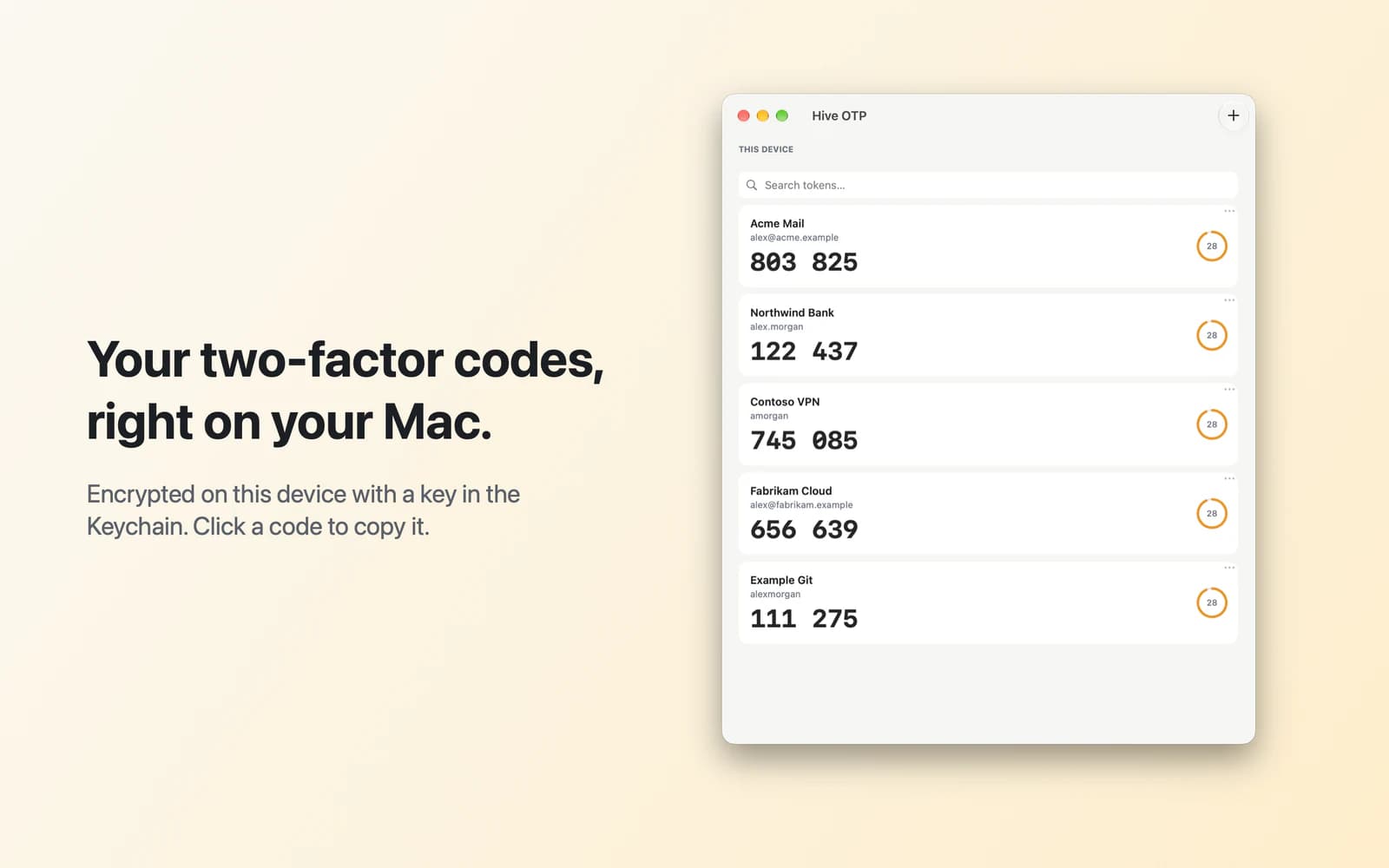
Codes stay on the device
Your tokens sit in an encrypted vault on the device. On Mac and iPhone its key lives in the Keychain, opens only while the device is unlocked and is never synced to iCloud. On Windows the vault is tied to your Windows account.
Careful copying
Click or tap a code to copy it. It stays on that device instead of reaching your other devices through Universal Clipboard, Windows clipboard history or the cloud clipboard, and the clipboard is cleared after 30 seconds.
Adding a token
On iPhone, scan the QR code with the camera or pick a screenshot that shows it. On every device you can paste the otpauth link or type issuer, account and secret.
TOTP and HOTP
Time based (TOTP) and counter based (HOTP) codes with 6 to 8 digits and SHA1, SHA256 or SHA512.
Plan for a new device
The vault cannot be moved to another device. Keep the setup or backup codes of your accounts for a new device.
Screenshots
Privacy and security
Your own codes need no account and never leave the device. Hive OTP has no tracking and no ads.
Team tokens are for Balsoft staff only and off by default. Staff who switch them on sign in with their Balsoft Microsoft account; the service records each code fetch with their user ID, and the sign-in logs their name and email address.
Questions about Hive OTP? Write to us