


Hive ISV X-Ray
Look inside Dynamics 365 Finance and Operations packages that ship without source
- Windows
Platforms and download
Version 1.0.0, released 3 November 2026
SHA-256 checksum:36ce35312fcec9f739314164007ac928bad1fca0a5e86329723a302fe1bfe036
Requirements
- Windows 10 or 11, x64
- Packages with compiled X++ (a bin folder with Dynamics.AX.*.netmodule files), for example a PackagesLocalDirectory
- A licence that allows you to analyse the packages you open
What Hive ISV X-Ray does
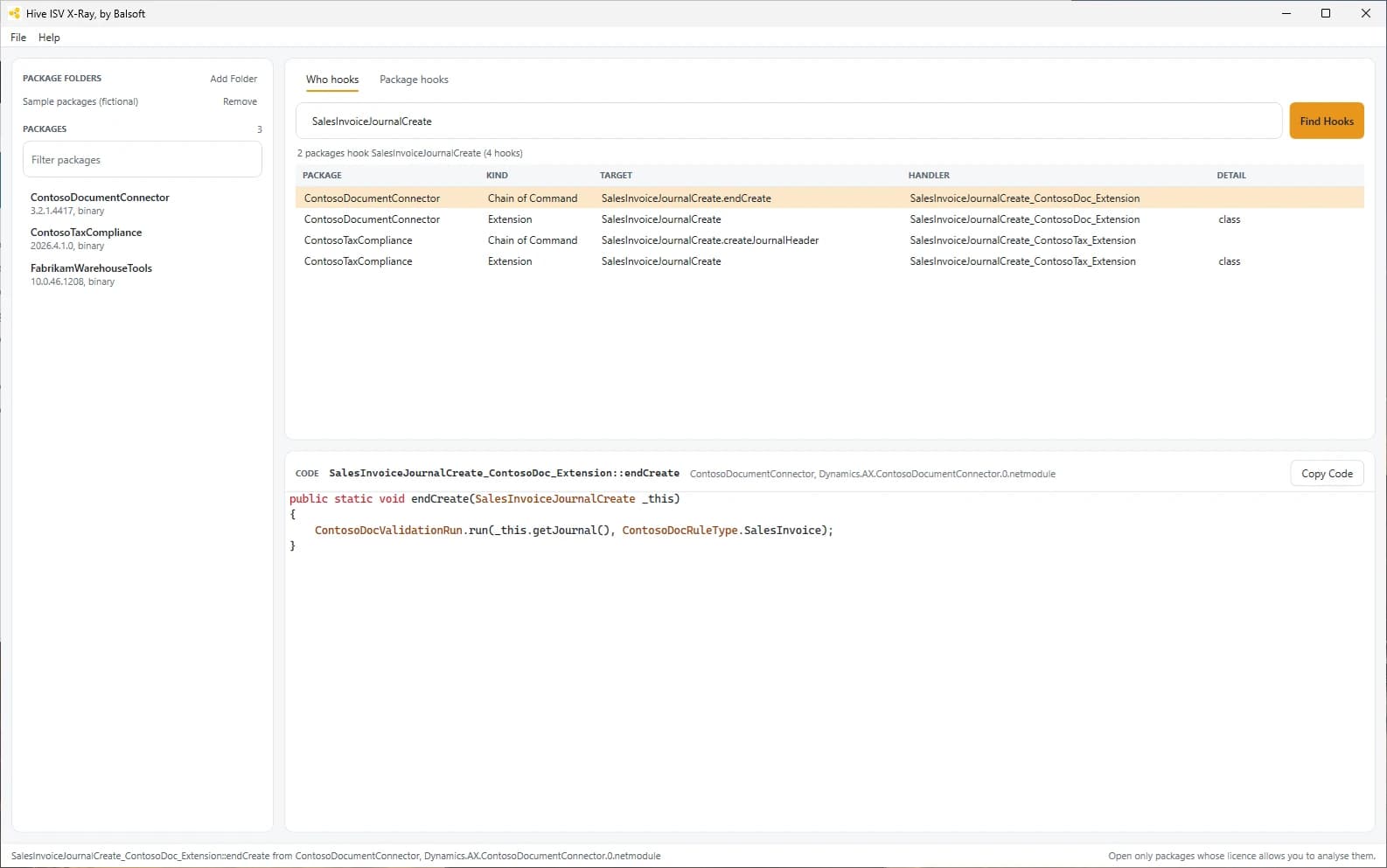
Who hooks this class
Type a class or Class.method and see every package that wraps it with Chain of Command, adds a pre or post handler, subscribes to its delegates or handles its table and form events. A wrapper on a derived class that wraps the inherited method is found too.
The code behind each hook
Select a hook to read the method behind it, decompiled from the package with the ILSpy engine. Only that method is decompiled, so it opens quickly even in large packages.
Everything one package changes
Pick a package to list everything it hooks and extends, and filter the list by target or handler.
The version of every package
Each package shows the version its vendor shipped, so you can tell an older copy in a repository from what runs in your environment.
Where your packages are
Add the PackagesLocalDirectory of a development VM or of the unified developer experience, or the Metadata folder of a repository. On Windows the PackagesLocalDirectory folders of the machine are found automatically.
Sample packages included
Fictional Contoso and Fabrikam packages show how it works before you open your own.
Screenshots
Privacy and security
Hive ISV X-Ray works offline on the folders you choose. It collects no data, needs no account and sends nothing to Balsoft.
Questions about Hive ISV X-Ray? Write to us