


Hive Compare
Compare two Git branches by pull request
- Mac
- Windows
Platforms and download
Version 1.2.1, released 27 October 2026
SHA-256 checksum:6a02be9bfc3d4459a42ca56c09d892912a277152c8994ebed9eb9db60b4a5836
Windows needs Git installed.
Requirements
- Mac with macOS 14 or later
- Windows 10 or 11, x64, with Git installed
- A local clone of the repository you want to compare
What Hive Compare does
Real changes first
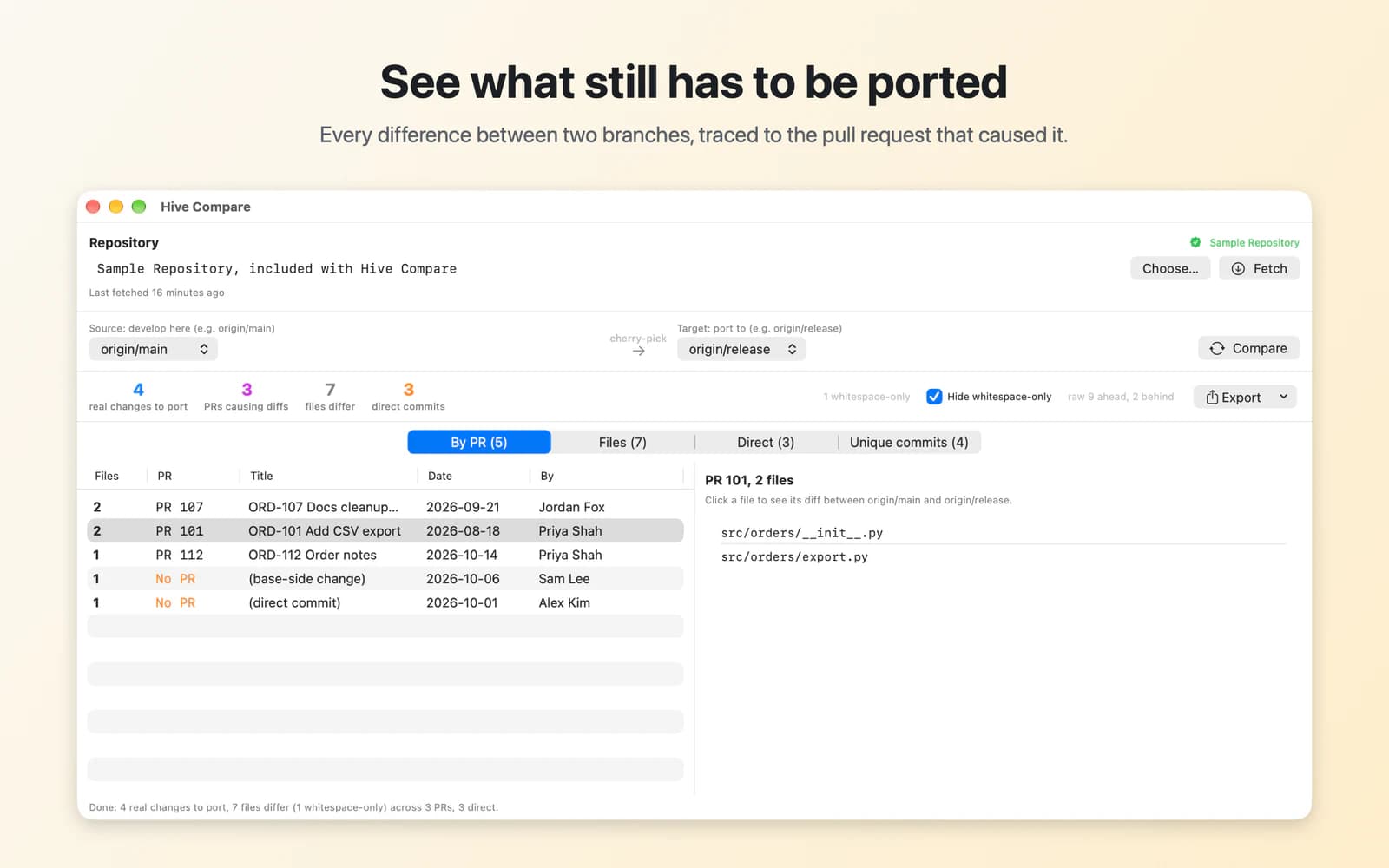
Commits that were cherry-picked or merged under another ID are recognized by their content and left out, so the list shows only what still has to be ported.
Grouped by pull request
Every differing file is traced to the merge that brought it in, so you see which pull request changed which files. Direct commits outside any pull request get their own list.
Whitespace kept out
Files that differ only in whitespace or line endings are marked and hidden by default.
Diffs and commits
Open any file to see its diff between the two branches, or any commit to see what it changed.
Ignore list and export
Leave a pull request, file or commit out of every list and export; the ignore list is kept per repository. Export the result to Markdown, JSON or Excel.
Any Git server
Hive Compare works with a local clone of any Git repository. Fetch updates it over HTTPS from Azure DevOps, GitHub and other Git servers, and the included sample repository lets you try it right away.
Privacy and security
Hive Compare collects no data and needs no account. It talks only to the Git server of the repository you open; nothing reaches Balsoft.
For a private repository the Mac app asks once for an access token and keeps it in the Keychain. On Windows, Git and its credential manager handle the sign-in.
Questions about Hive Compare? Write to us